 Changing the Password for Database Access
Changing the Password for Database Access
Use
The SAP Content Server uses the database user SAPR3 when accessing its SAP DB instance. You can change the standard password for this user, in order to prevent the SAP DB instance from unauthorized use. To change the password, follow the procedure described below.
Procedure

You can install SQL Studio from the WEB AS 6.20 Server Components CD 2.
Log on as user
SAPR3 (default password: SAP).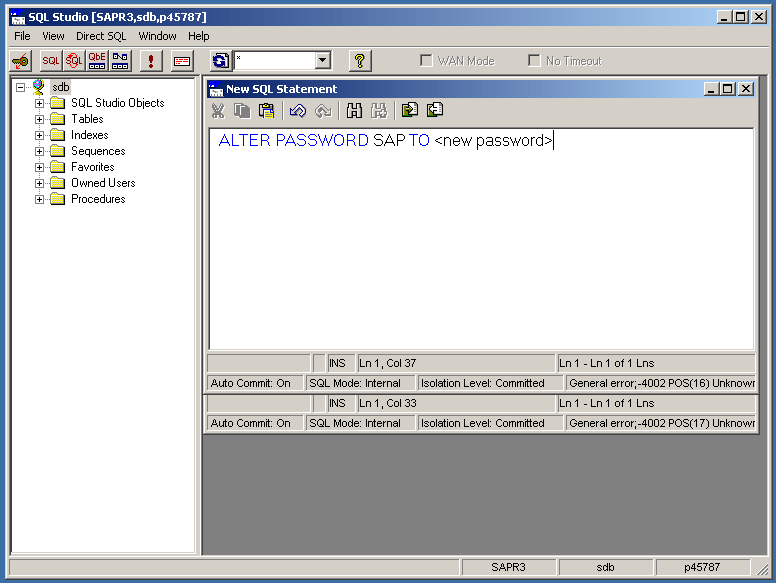
 .
.
If you do not receive any error messages, the new password has been successfully set up.
USER=SAPR3
PASSWORD=<new password>
