Entering content frameProcess documentation Process Flow (BC-BMT-WFM Creating a Customer Master Record) Locate the document in its SAP Library structure

This Easy Web Transaction demonstrates how the workflow functions are integrated in the Web. This is illustrated by creating a customer master record.

Process Flow

The following process is executed when you use the Create a customer master record (BC-BMT-WFM) Easy Web Transaction:

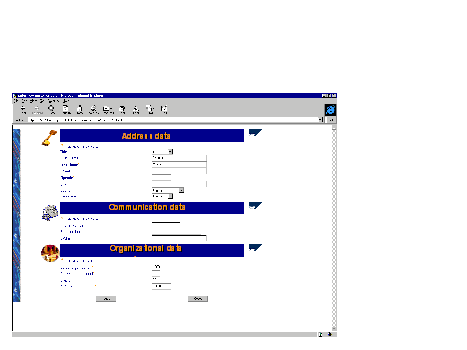
  1. The New Customer form is displayed when you log on to the ITS (Internet Transaction Server) on the corresponding R/3 System (service name TS_WS20000102H).
  2. This graphic is explained in the accompanying text

  3. Complete all of the required fields in the form and choose Submit data. Choose Reset to delete the entries.
  4. The next screen indicates the work item ID under which the task was started. Acknowledge that the task has started.
  5. The employee responsible for checking the customer master record receives a work item in their Web workplace. With this Easy Web Transaction, this person is you (_WF_INITIATOR). Execute the work item.
  6. The form you completed previously is then displayed for you to accept or reject. You can also cancel this procedure if necessary. If you do so, you can execute the work item again later.
  7. The next screen informs you that the work item has been executed. Acknowledge the screen.

Result

If you accept the data, the workflow definition calls a BAPI in the background to create the master record. The master record is created if the data is consistent. Otherwise the BAPI will generate an error message and the master record will not be created.

In each case, a message appears in your Web inbox informing you of the result of the action.
Leaving content frame