Processing Request Forms
Use
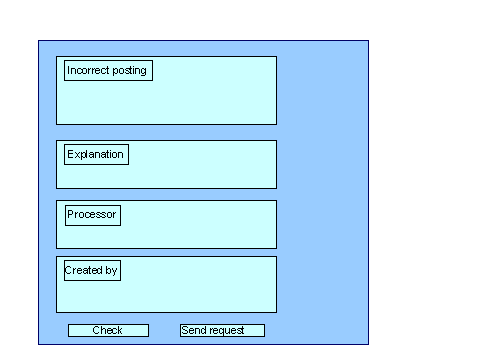
With a request form, you can request an adjustment posting from the Intranet.
The SAP standard includes a predefined form for adjustment postings. This form is divided into various areas, but you can adjust the layout and the individual fields individually.
Prerequisites
See Cross-Application Components ® Internet/Intranet Services ® Internal Service Request ® Definition of Scenarios with Specific Customizing Request for an Adjustment Posting ®
 SAP@Web Studios
Web Application Builder in the ABAP Development Workbench
Creating an Internal Service Request).
SAP@Web Studios
Web Application Builder in the ABAP Development Workbench
Creating an Internal Service Request).
Procedure
If you access the form from the SAP R/3 System, these fields contains this information.
This is an optional entry.
If a processor or a standard role was entered in Customizing, these fields contain the corresponding entries. The partner role setting in Customizing controls whether an individual employee or a department is entered as the problem processor. You can find additional information about roles in
Defining Roles based on Responsibilities.
If an entire department was entered as the processor, you cannot overwrite the Processor field. The system displays a list of the processors.
Confirm the message, that your request has been saved.
Result
The request is transferred to the SAP R/3 System and assigned to a processor.