

 Defining Drilldown Totals Levels
Use
If you have defined subtotals in your list, you can hide entries and subtotals for an entire totals or subtotal level. See
Calculating and Deleting Subtotals.Procedure
To do this, your list must contain several subtotals.
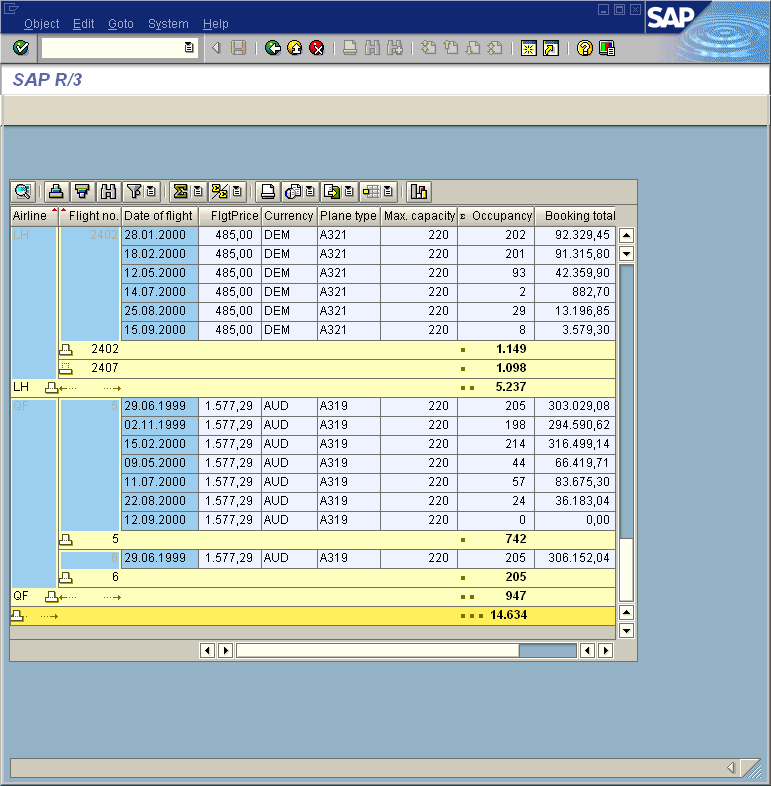
To hide all entries and subtotals for a totals or subtotal level, proceed as follows:
 ®
Drilldown totals level.
®
Drilldown totals level.Result
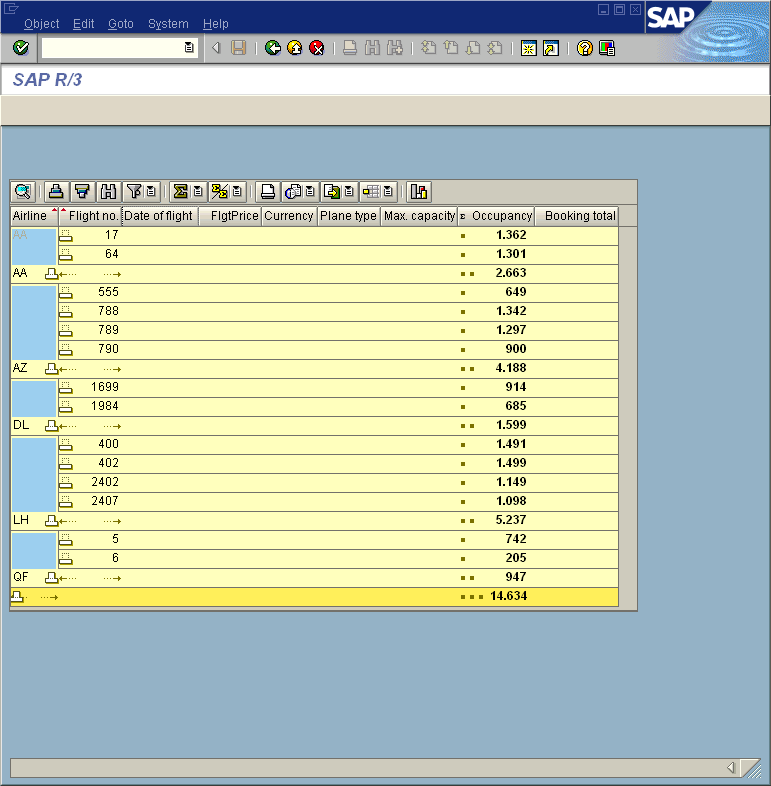
The totals and subtotal levels displayed correspond to the selection you made on the Define Drilldown Totals Level screen. The  icon indicates subtotals between these entries are hidden. As a level underneath the second subtotal level is displayed, the subtotals on the second level and the totals line is displayed using the
  icon.
icon.