

 Creating a Function Module
The Administration page of the Create function module screen appears.
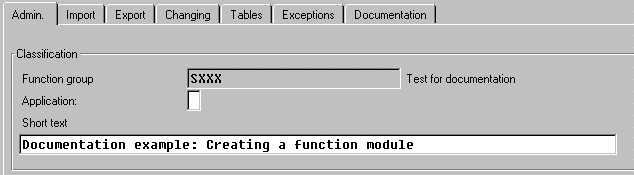
Attribute |
Explanation |
Application |
Specifies the function's application group. Leave the field blank ("For all applications") if your function is not application-specific. |
Short text |
Describes the function module. |
Process type |
Specifies the function type. Choose Normal unless you are writing a function to be run in remote systems or in an update task. |
General data |
Lists general administration information |
The Workbench automatically creates an include file for your function module, whose name is eight letters long. For example, for the first function module in the function group FGRP, the include file is called LFGRPU01. The next function modules will have include files LFGRPU02, LFGRPU03, LFGRPU04, and so on.
For further information about the include programs, see
Understanding Function Module Code