

 Enhance Area Menu
Use
You need enhancement mode to be able to make changes to Area Menus in other system than the original system of this menu. You can also edit delivered SAP Area Menus in enhancement mode. Changes made in change mode would be overwritten by the next transport from the original system. Enhancements are retained in this case.
Prerequisites
You are either working in a system which received Area Menus by transport from an original system and want to change such an Area Menu, or you want to change an original SAP Area Menu.
Procedure
You can change an Area Menu which is not original in the current system in two ways. You select the processing mode in a dialog box before you edit the menu.

Change
If you choose the processing mode Change, all changes are saved as repairs. These changes are then overwritten by a transport of the menu from the original system.
Enhancement
In the editing mode Enhancement, new menu entries are retained after the next transport of the menu from the original system. You must specify an enhancement ID.
The enhancement ID creation dialog appears before editing the menu. It distinguishes whether the current system is original or not. Choose Create enhancement ID or choose an existing ID from the list.
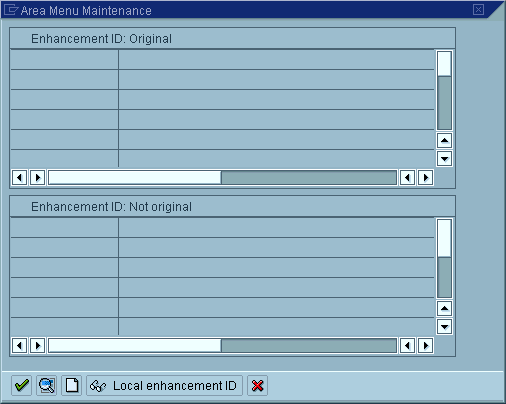
Enhancement IDs are transportable objects, so a transport dialog appears after an enhancement ID has been created.

Enhanced menu entries are only displayed if the system contains the enhancement ID. If you create menu enhancements, but do not transport the enhancement ID with the menu, they will not be displayed in the transport target system.