

 Outputting Error Messages for Auto Page Attributes
Use
In this tutorial, you will create a simple input form that the end user can use to provide specific information to a consultation service. The end user can specify an address, a date, and a time period in which he or she expects to be contacted by an employee of the service provider.

The underlying example BSP application is
The user interface (
default.htm ) looks like this: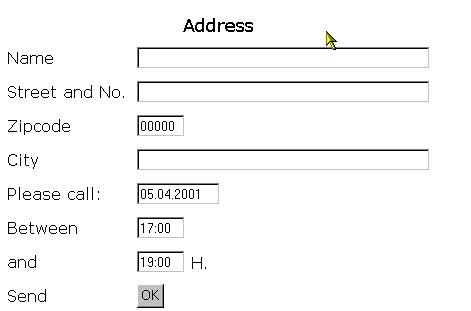
Procedure
In this section, you will carry out the individual steps using this example.