Output List Display
Output List Display
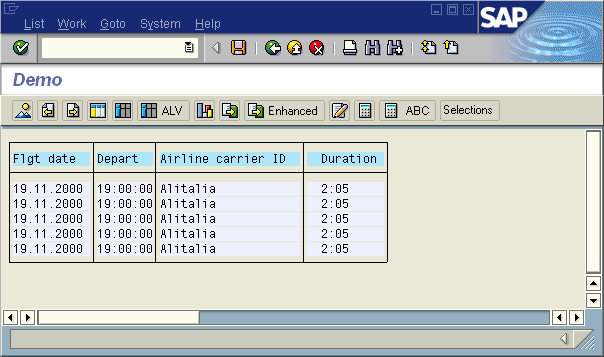
The output list is displayed in the lower area of the InfoSet Query screen in the SAP List Viewer or in full screen. If you have selected an output field, you will first see an output preview that contains example data.

You can format the output preview. This enables you to determine how data is arranged when output (for example, the sequence of columns and output list sorting), and whether data is also aggregated (for example, summation of numerical columns).
Furthermore, you can select a Type of Output List by choosing Edit ® Settings. This determines if and how data is aggregated when output. You can select one of the following options:
The settings and formatting are visualized in the output preview, and apply to the data output in the InfoSet Query screen, as well as to the data output in full screen.
You can display the real data in this area of the screen by choosing the Refresh function. You can then use the SAP List Viewer functions. For more information see
 SAP List Viewer (ALV): Grid Control.
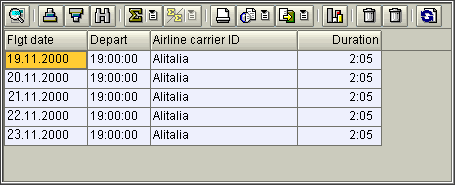
You can display the output list in full screen by using the  Output function. In full screen you can use other output formats in addition to those of the SAP List Viewer, for example, the default list.