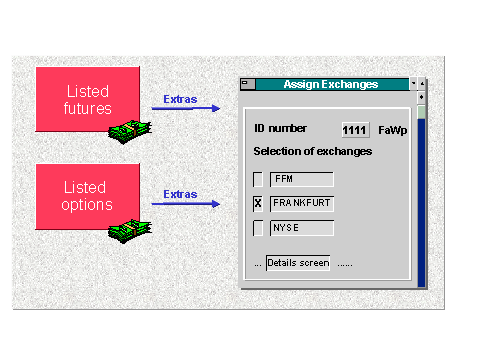
Assign Exchange
Assign Exchange
Prerequisites
After you have created the master data for listed options and futures, define the respective exchange via Extras. Before you can assign exchanges, they must have been defined under
 Define exchange in Customizing.
Procedure
-
Currency-
Flat rate (yes or no)-
Domestic exchange (yes or no)-
Listing (Define listing key in Customizing via
Define listing key)