Example 3 for Make-to-Stock REM
Example 3 for Make-to-Stock REM
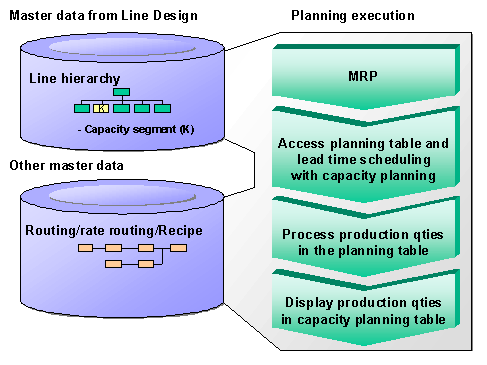
You can use this process if you want to carry out lead time scheduling via the rate routing or the routing and you also want to carry out capacity planning. If you want to see the capacity data of certain line segments in the planning table, define these line segments as capacity segments. In the Planning table, the system displays the capacity data of each capacity segment in a separate row.
This process is mainly used in the consumer products industry and in process manufacturing.
Prerequisites
You define the master data in Line Design.
Process flow