Event Queue Browser
Event Queue Browser
Use
The event queue browser displays not only the current content but also a history of the content of the event queue an. This is dependent on the selection criteria chosen.
Event container, event trace and workflow log can be displayed from the selected list. Events not yet delivered can also be delivered directly.
Integration
Which events are written into the event queue is defined in the
administration environment of the event queue.Features
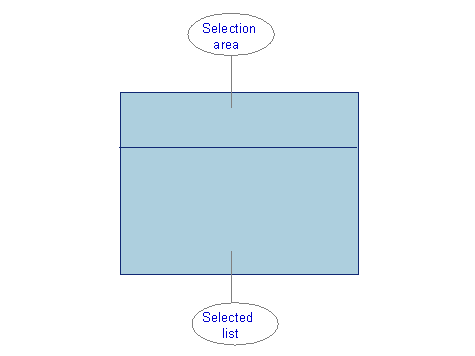
Selection area
In the selection area you can select events for display in the browser.
If you restrict the search range, the symbol  appears next to the pushbutton Standard criteria.
You can "fine-tune" the selection via the pushbutton Further criteria. The symbol appears here too if you enter selection criteria.
Selected list
The list is refreshed automatically every time the selection conditions are changed. An event can be displayed from the list by double-clicking. The general event data and the event container are displayed.
Functions on the application toolbar
 Refresh
 Event
EventThe selected event is displayed.
 Deliver
The selected event is delivered, that is, it is provided to the relevant receiver.
 Event trace
All events created correctly are logged in the
Work ItemThis function takes you to the

You can only go to the work item display if the event has been written into the event trace.
Activities
You can access the event queue browser by choosing Tools
® Business Workflow ® Development ® Utilities ® Events ® Event queue browser.