 Testing Attributes
Testing Attributes
When you have created a test object, you can address a container for attributes. This can be simulated for classes. You can both display and change the attributes.
The attribute display contains the following types of attribute field:
Prerequisites
You must have created an instance of the class you want to test. See
Creating an instance.Procedure

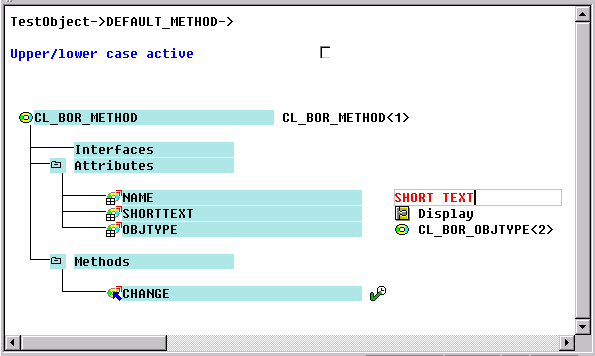
Result
You have now tested the access to the attributes of a class. The access is displayed in the first line of the object display.