Filling the Dangerous Goods Master
Filling the Dangerous Goods Master
Use
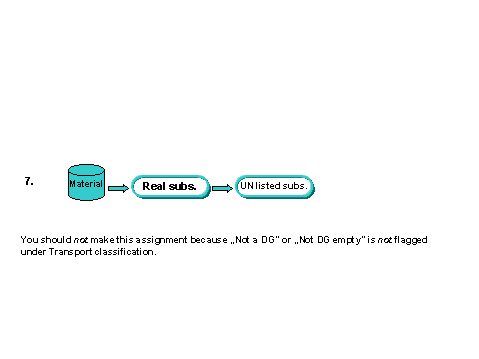
The R/3 System can only fill tables with data records for which logical keys can be formed uniquely from the material and the dangerous goods regulation. The following links can be made (see also
DG Classification (Classification Key)):
You should use one method only. Note that the assignments marked with red dashed lines play no role in filling the dangerous goods master records.
Prerequisites
See Prerequisites in
Filling.Procedure
A screen for selecting data appears.
You can simulate filling using the same path. During simulation, the R/3 System lists all data records that would be used for the selection criteria you have entered.
Selection field |
Explanation |
Dangerous goods classification |
Contains the key for substances of substance category DG_CL_SUB (dangerous goods classification). The R/3 System determines: – Materials assigned directly – Materials assigned to real substances to which the dangerous goods classification was assigned as a reference substance |
Real substance |
The R/3 System determines the assigned materials if the real substance was assigned a dangerous goods classification as a reference substance and a UN listed substance, or a UN listed substance directly. |
Material |
The R/3 System checks whether the material has been assigned a dangerous goods classification directly or using an assignment to a real substance. |
Selection date |
The system selects substances valid for the selection date. |
A system message to inform you if filling has been carried out successfully is displayed.
Displaying the Log
If filling has been successful, you can display the log as follows:
The Evaluate application log screen appears.
The R/3 System displays the log.
Deleting the Log
Result
The data in the R/3 substance database are copied to the dangerous goods master in the current R/3 System and client. Existing data is overwritten by the new data.