 Implementing Interfaces in Classes
Implementing Interfaces in Classes
Interfaces are extensions to class definitions and provide a uniform point of contact for objects. Unlike classes, interfaces cannot be instantiated. Instead, classes implement interfaces by implementing all of their methods. You can then address them using either class references or interface references.
Each class can implement interfaces differently by implementing different coding for its methods. Interfaces thus form the basis for polymorphism in ABAP Objects.
Prerequisites
You must have created both the class and interface in the Class Builder.
Procedure
Repeat steps 1-3 for any further interfaces.
Example: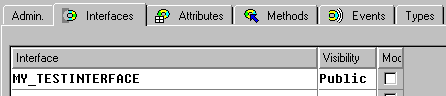
Result
You have added one or more interfaces to the components of the class. The interfaces are listed in the definition part of the class in the class pool under the INTERFACES statement.
You must now implement all of the methods listed in the interface within the definition part of the class declaration. For further details, refer to
Implementing methods.The components defined in the interface (attributes, methods, and events) appear in the class in the from <interface name>~<component name>. This ensures that no naming conflicts can occur with class components.