

Use
To calculate costs on an internal order, you can alternatively use
Easy Cost Planning for the unit costing.In the following modes, you can process the costing in the ways shown:
Mode |
The costing can be: |
Display order |
Displayed |
Change order |
Changed/deleted |
Create order |
Created |

Note the following features when creating a costing for internal orders using Easy Cost Planning:
If you use a reference order when creating an internal order, and you have used Easy Cost Planning to make a calculation for this order, the same planning reference is assigned to the new internal order.
For more information on the Order Manager, see
Order Manager and Collective Processing of Master Data Changes.Prerequisites
You have not yet carried out a unit costing on the internal order.
Features
You can calculate costs and call up
Execution Service.Activities
Choose:
Choose Extras ® Costing
® Create.
A dialog box with two tab strips appears.
You can now create a costing in several ways:
Choosing a Planning Form From Easy Cost Planning
Choose Create cost estimate to go to Easy Cost Planning. From there you can use Choose planning form to decide on the input help for the planning form.
Choosing a Planning Form in the Dialog Box
If you choose in the dialog box to create with a planning form, you can choose the planning form in the following ways:
For all three options the costing variant is taken automatically from the order type chosen when you created the internal order. The system enters the costing date and valuation date in the Additional data tab strip, but you can change these.
After you change one of the above procedures, the Internal Order:Change:Easy Cost Planning screen appears.
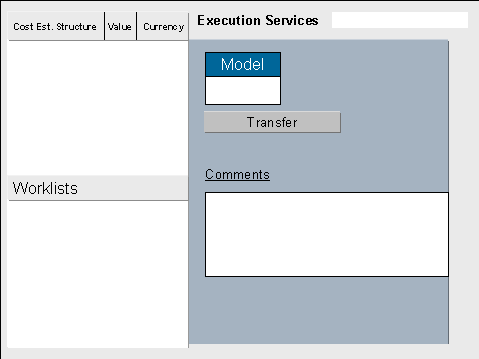
You can:
For more notes about what you need to take into account in Easy Cost Planning, see
 Planning Costs Using Easy Cost Planning.