 Online Bookshop

Online Bookshop
The BSP application that you create in these tutorials is an online bookshop. The first page (entry page) of the bookshop should look like this:

In this application you will learn to create BSPs as page fragments and to include them in other BSPs using
include statements. This ensures that all the headers in your BSPs are identical. You will also learn to work with ABAP methods for data retrieval. The methods used here are part of the package SBOOKSHOP, which is described in the section Data Model.You can do the following from the first page:
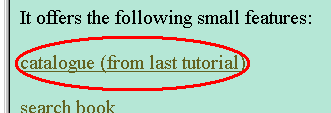
To go to the catalog, choose the link catalog (from last tutorial):
This takes you to the list of authors from the second tutorial:

To search for a book, the user chooses the link search book:

On the following page, criteria can be specified:
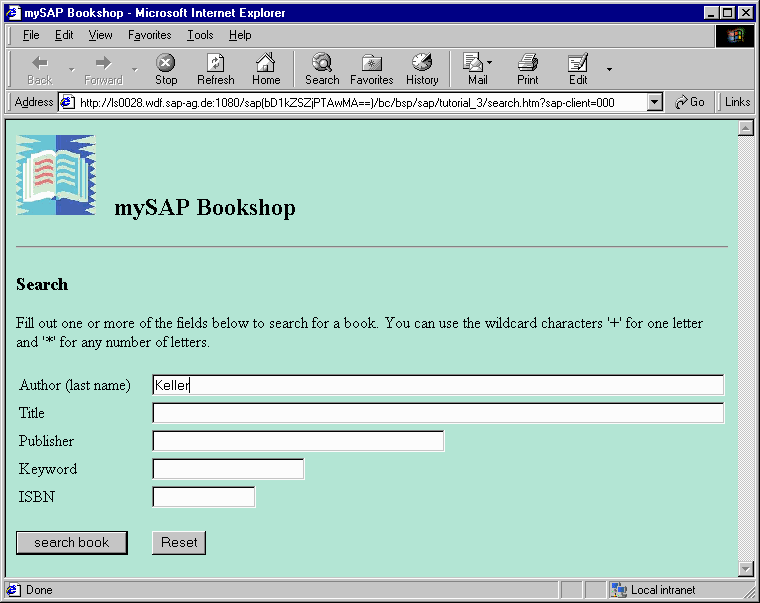
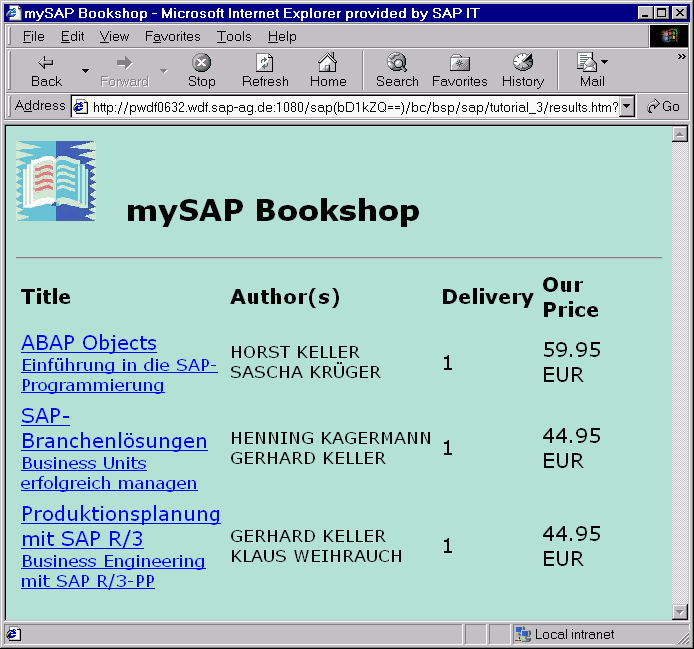
If the user searches for the author "Keller", the results list shown below appears. Note that this search is an OR search. The user can also search by title, publisher, keyword, or ISBN number. If the user enters an invalid ISBN number, an error message appears.
To get detailed information on a book, click on the book title:
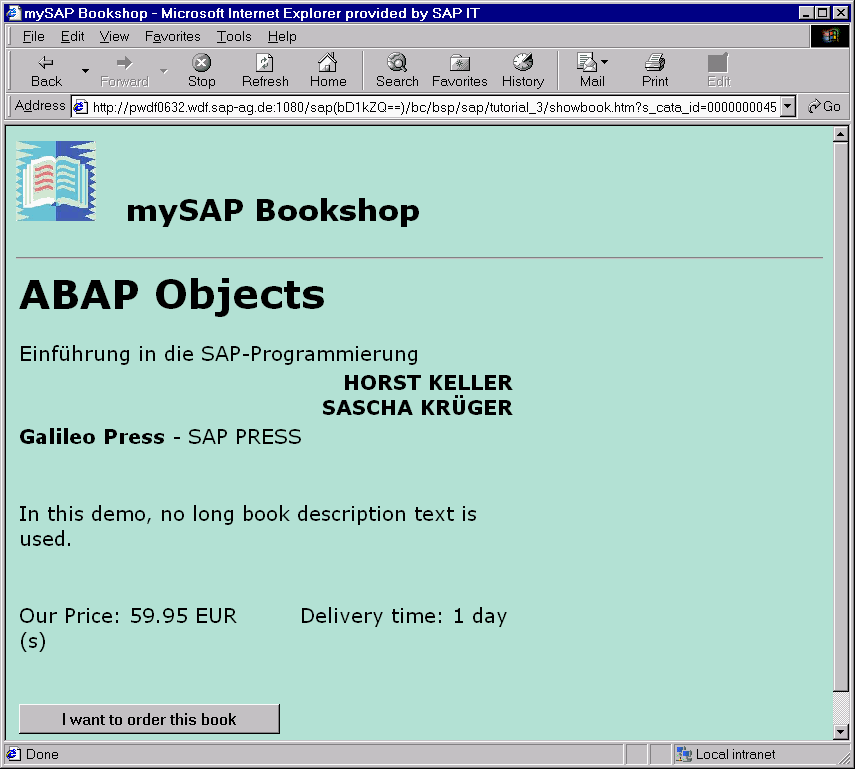
You can now choose  to order this book.
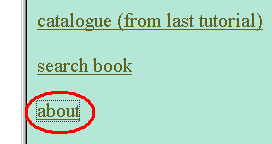
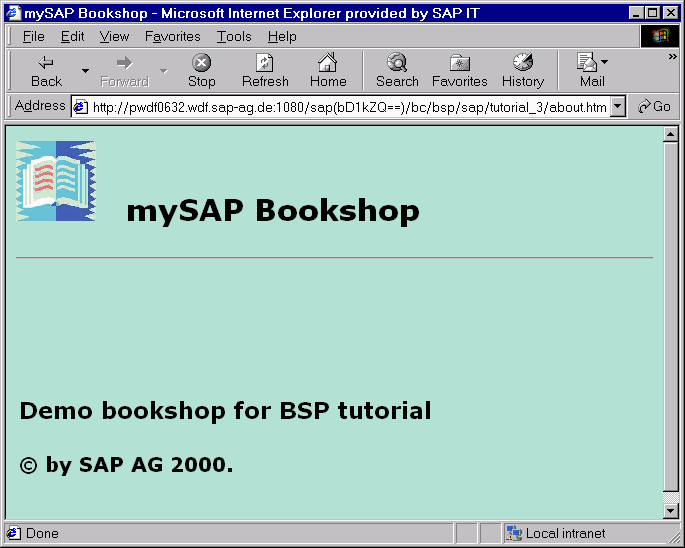
For general information about this tutorial, choose about.
The following information page appears:

The method for processing this BSP application is described in section
For information on the data model in the SAP System, see the section
Data Structures.For background information about the structure and functions of BSP Applications see
What Is a BSP Application?. Go to
Go to