API Access using AIN Business Service
Customers who have not created service instance for SAP Asset Intelligence Network.
Prerequisites
You should have administrator access at both global account and subaccount level.
Procedure
- Enable Cloud Foundry (CF) if not already enabled for your subaccount.

- Go to your global account and click on the ‘Entitlements’ tab in the side panel.

- Edit the entitlements and add the quota for Asset Intelligence Network to your Cloud Foundry enabled subaccount by clicking on the ‘+’ button.

- Now go to the ‘Spaces’ tab in the side panel of your CF-enabled subaccount. Create a new space, or if you already have a space, you can use the existing space as well.


- Enter your space and click ‘Service Marketplace’ where you will find the service tile for Asset Intelligence Network.
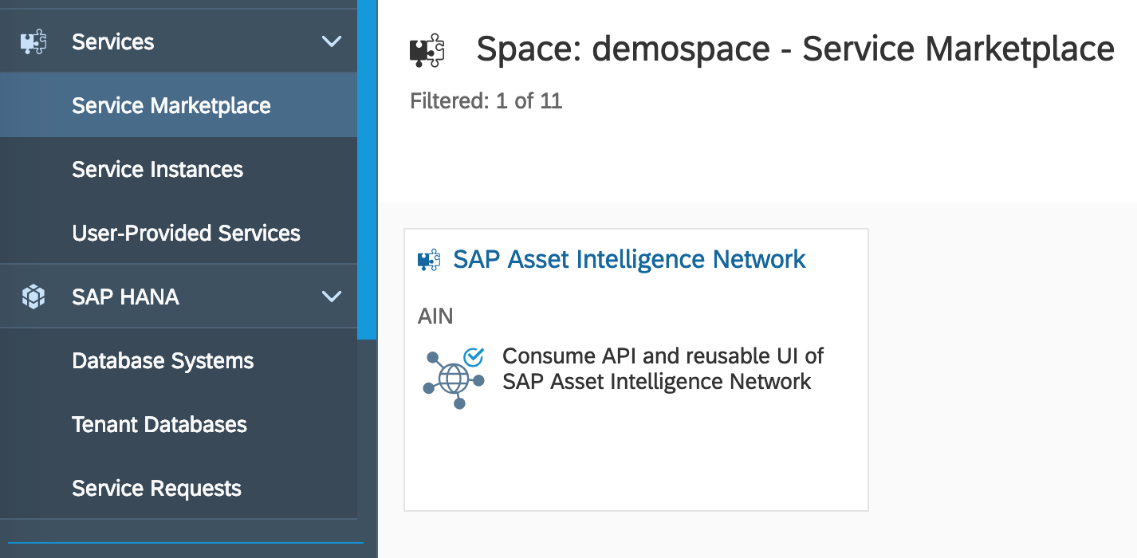
- Click on the service tile and navigate to 'Instances' tab in the side panel. Create a new instance by choosing ‘New Instance’.

- Click ‘Next’ for Choose Service Plan, Specify Parameters (Optional), and Assign Application (Optional). Give the suitable instance name in the ‘Instance Name’ field and choose ‘Finish’ .

- Navigate to the ‘Service Keys’ tab and click ‘Create Service Key’.

- Provide a suitable service key name and choose ‘Save’.
