Declare a Screen
You can declare a screen of an application. To declare a screen, you must set recognition criteria as it it enables correct identification of the screen during automation.
Prerequisites
Procedure
- Select the screen of an application under Declared Application.
The application recognition criteria are automatically selected during the capture.

- Optional: To modify properties of a criterion, select the criterion in the Recognition Criteria panel, and then choose Apply after making the modification.

- Optional: To add other criteria, choose of that criteria in the Available Criteria section.

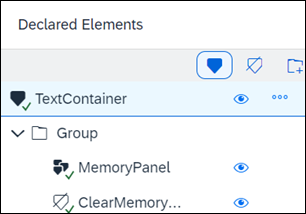
- Optional: To define an element under Declared Elements, select the element and then choose Must exist, Must not exist or Group.