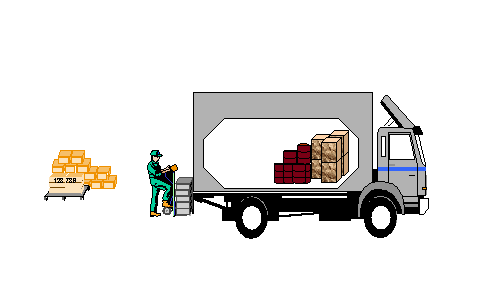
Loading and Unloading
Use
Mobile Data Entry
supports loading and unloading. Using RF devices, you can do the following:
Load handling units on to modes of transport, such as trucks and trains
Unload handling units from incoming means of transport
View the load statuses of shipments, deliveries and handling units
Print shipping unit labels
Undo a recent load/unload
Features
The following options are available:
Loading/Unloading by Shipment
Handling units are loaded/unloaded according to a known shipment number.
Loading/Unloading by Delivery
Handling units are loaded/unloaded according to a known delivery number.
When goods are loaded by shipment or delivery, warehouse workers can determine the load sequence. This is important if, for example, goods with different destinations are loaded on to the same truck.
System-Guided Loading
The system proposes a load sequence of handling units assigned to a known shipment number.
 Note
Note
The load and unload functionality works on the delivery level. Only HUs belonging to a delivery can be loaded. In the loading/unloading by shipment option, the system allows you to load/unload HUs belonging to a delivery assigned to the shipment. You can not load/unload HUs that are not directly assigned to a shipment.