Manage Environment Variables in Automation Testing
You can create environment variables and then use them as Input/Output Parameters in automation processes. This workflow example demonstrates how to handle environment variables in an automation using simple data type.
Prerequisites
You have created one or more Environment Variables using data types (String, Number, Boolean, Password, and many more).
For example, refer to the following screenshots.


Procedure
-
Create an automation in your project.
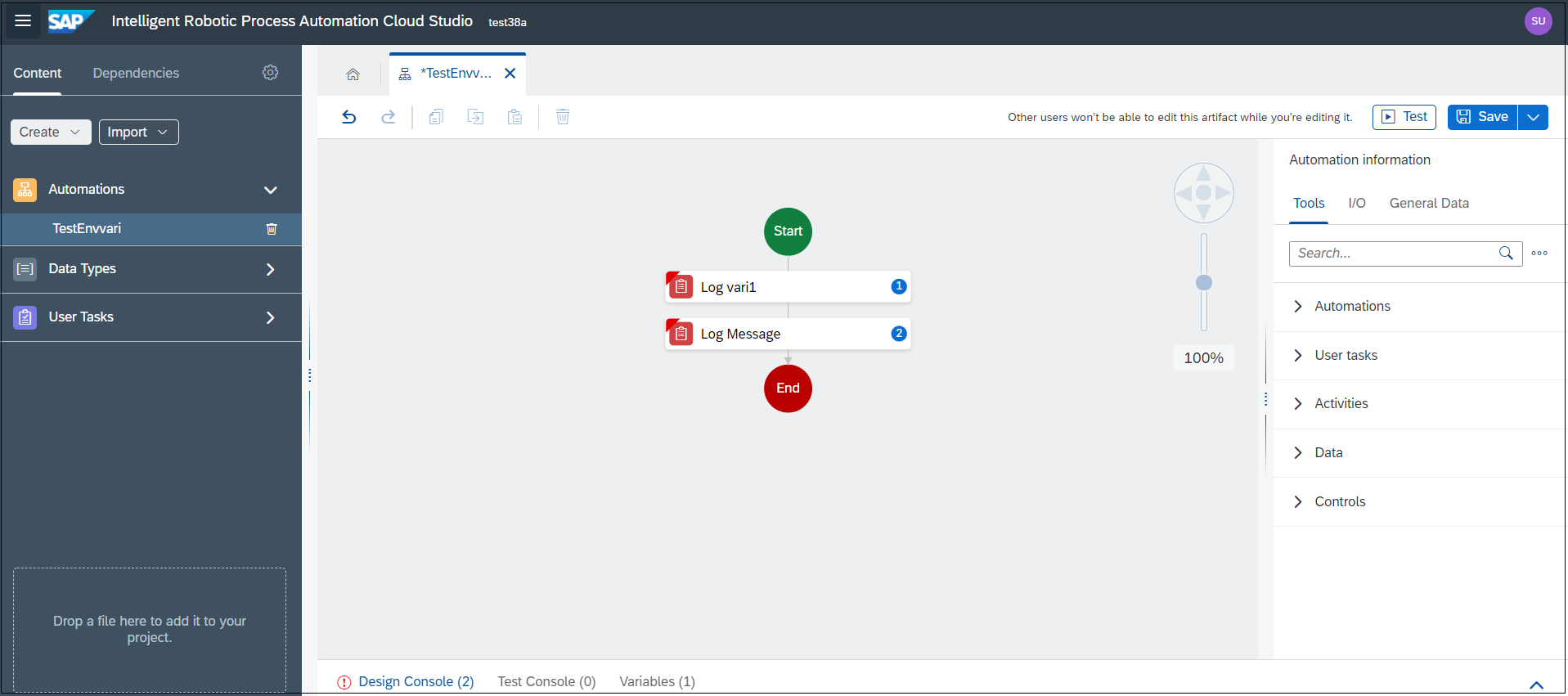
For more details about creating an automation, refer to the Create an Automation section.
-
Bind the environment variable to the input parameter of an activity.

The input parameter of the first step is the message and calls for an input of type string and expects an appropriate variable value at run time to return desired output.

The input parameter of the second step is the message and calls for an input of type string and expects an appropriate variable value at run time to return desired output.

-
Save the automation and then click Test.
The Cloud Studio prompts a Test Automation screen for appropriate variable values.

-
Enter the appropriate variable values in the required fields.
-
Click Test.
After successful execution of the automation, the variable values are displayed in the Test Console.
