Test the Automation
You created your automation and now you test it.
-
Click the (Test) button in the automation main panel to test your automation.
-
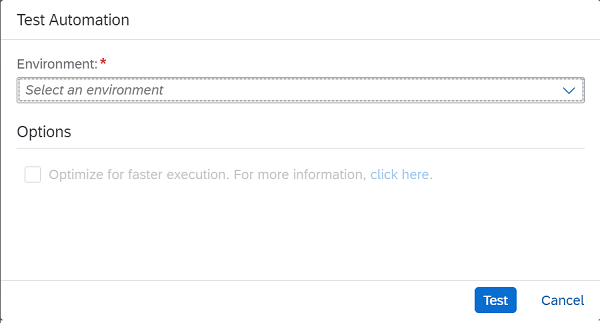
Select your environment in the drop-down list and click Test.
The Test Automation window appears.
If you've closely followed the steps, the search results are displayed in the Info log at the bottom of the screen.
