Business Partner and Business Partner Relationship
Replicate business partner and business partner relationship master data inbound to SAP Fieldglass from SAP S/4HANA.
Context
Unlike the other integration entities described in this guide, the replication of business partner and business partner relationship records doesn't use a connector – these entities use push processes. To accomplish this, create and configure two SAP Fieldglass end points on SAP Business Technology Platform (SAP BTP). MDI pushes the records to the SAP Fieldglass end points, where the records are consumed directly. Then, create two distribution models in MDO using the push mechanism.
Procedure
- Create two destinations in BTP subaccount for MDI Business Partner (Supplier) and MDI Business Partner Relationship to receive on SAP Fieldglass.
This should be in the format of [Environment base URL]/ws2/services/SAPBusinessPartnerRelationshipPush, where [Environment base URL] is your URL including the protocol.

This should be in the format of [Environment base URL]/ws2/services/SAPBusinessPartnerRelationshipPush, where [Environment base URL] is your URL including the protocol.
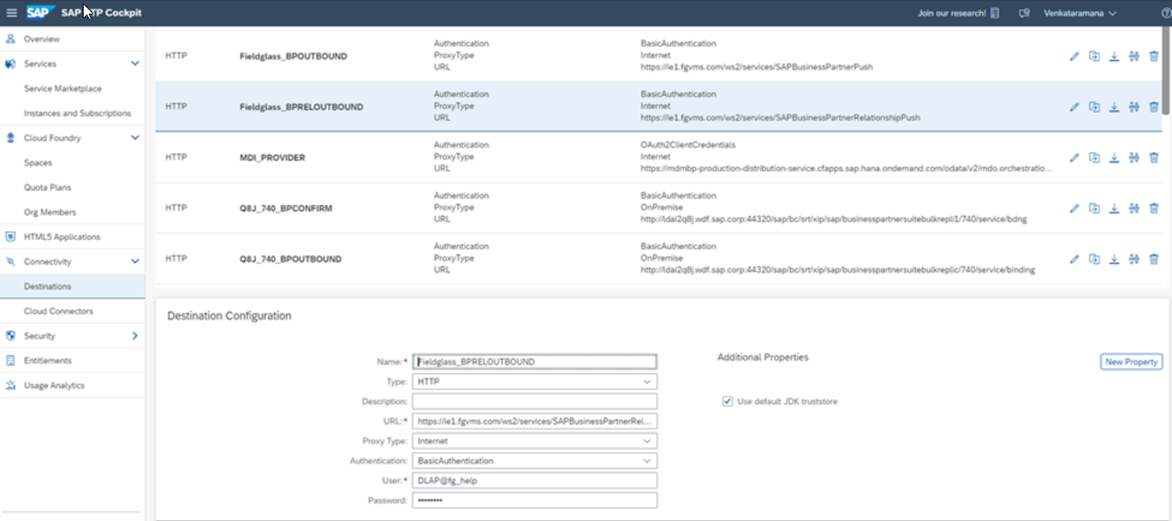
- Create two distribution models in MDO using the push mechanism.
-
Business Partner object selection with FLVN00 and FLVN01.
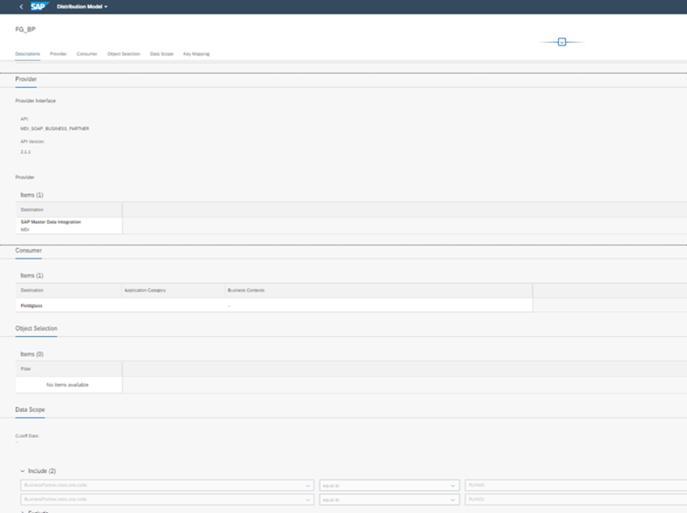
-
Business Partner Relationship has no object selection.
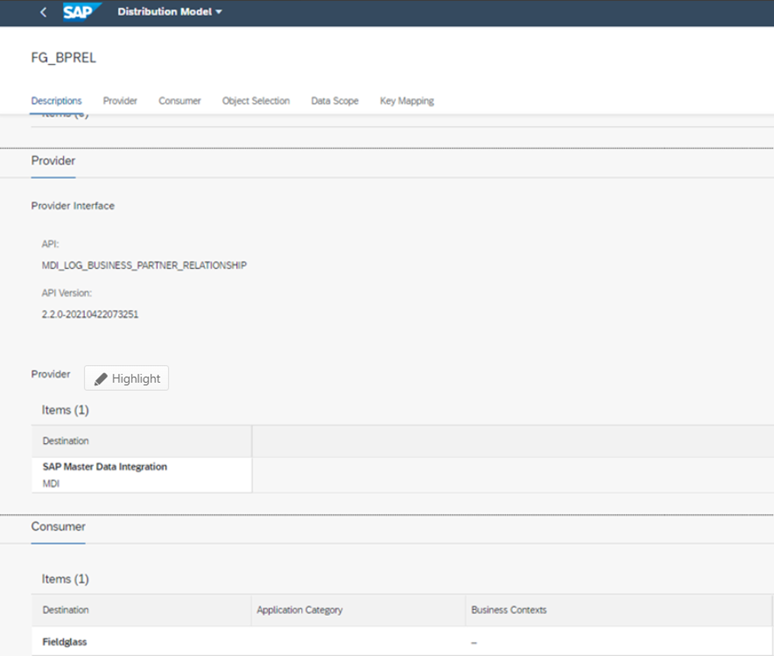
-
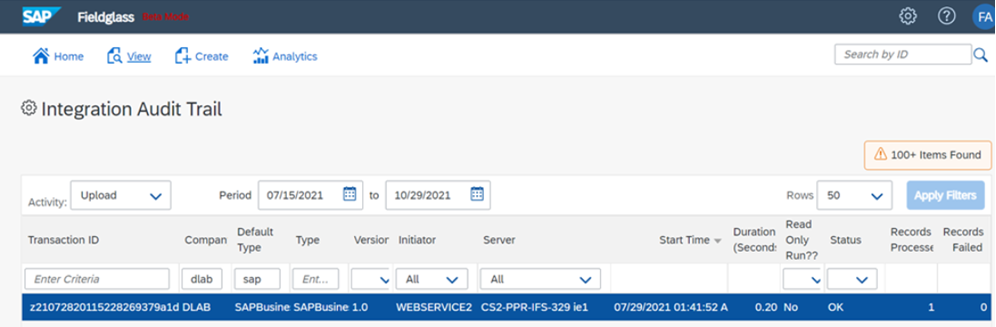
- Check if messages are received in SAP Fieldglass using the Monitor Activity tile on the Configuration Manager Self-Service Dashboard.