Display Renderer
Use
The display renderer determines how scenes are rendered while you work. By default, the DirectX 11 renderer is selected.
You can change the display renderer at any time. You can also control the settings for the current display renderer using the Render tab in the Preferences window.
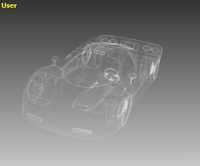
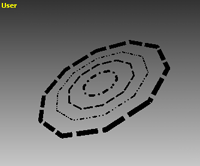
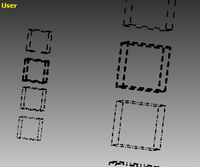
Line styles are supported in all display renderers except DirectX 8.0. For example, .dwg and .dwf files use line styles. You're able to view any line styles that are within these files, when viewing or exporting the files.


Activities
Changing the Display Renderer
Do one of the following:
-
Choose
 Display
  Display Renderer
 from the Navigation toolbar, and then choose the display renderer that you require.
 -
Choose the name of the current renderer in the status bar, and then choose the renderer that you require.