
Edit Version
To edit a tableau version and change the version status, proceed as follows:
- Select the tableau version you want to edit.
- Click on the pencil icon in the line of the selected version.
- In the next dialog, change the version status or valid-from date/time, and confirm your changes with OK.
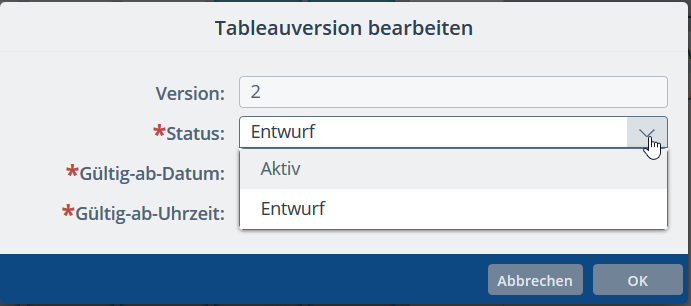
✓ The version status or validity data is changed.
Note:
Activating a version:
If the valid-from date of the version you are activating is in the past, the selected version will be activated immediately and the previous active version will be automatically set to expired.
If the valid-from date of the version you are activating is in the future, this version status will be temporarily set to pending. When the valid-from date is reached, the selected version is activated and the previous active version is set to expired.
This ensures that only one active version exists at any one time.