Troubleshooting Issues with the BPMN Simulation Feature
Resolve issues with the BPMN simulation tool. Certain process conditions must be met for a simulation to run.
For a simulation to run successfully, your model must meet all of the following conditions:
-
The model must follow BPMN 2.0 syntax rules and have an uninterrupted process flow.
-
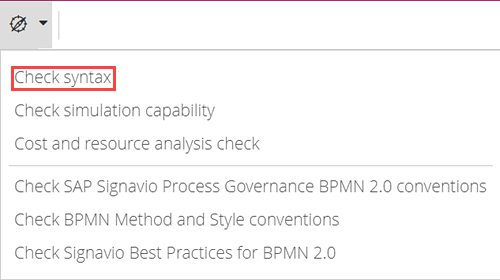
To check whether your model follows BPMN 2.0 syntax rules, use the Check syntax option when you have the model opened for editing.
-
The model must not use elements whose impact on the process flow can't be clearly determined. These include inclusive gateways, non-interrupting boundary events, conditional sequence flows, message flows, and sub-processes.