NURBS Tab Page
Use
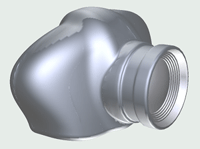
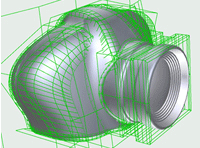
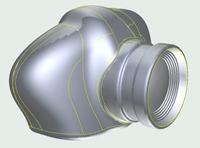
You can use this tab page to control settings for NURBS objects; the industry standard tools for the representation and design of geometric shapes. You can choose the processor and quality you require for trimming, and you can control the display of the selected NURBS objects. For example, you can display the object’s control points grid and trimmed geometry.
Features
The following table lists the maximum number of functions shown in the tab page:
|
Fields and Checkboxes |
Functional Description |
|---|---|
|
Trimmed NURBS Processor |
Used to select the processor with which to trim the NURBS objects |
|
Trimmed NURBS Quality |
Determines the quality of the trimmed NURBS objects from lowest quality (left) to highest quality (right) |
|
Selected NURBS |
Used to control the display of selected NURBS objects in the scene.
|