Configuration: Defining Mapping Contexts
Use
In the IMG activityDefine mapping contexts(Implementation Guide under Application Server → Basis Services → Unified Key Mapping Service (UKMS) → Define mapping contexts) you can define cross-client mapping contexts for Unified Key Mapping Service (UKMS). Database tables are created automatically depending on a mapping context. UKMS uses these tables to store data, especially object keys and key mappings.
Name of the Mapping Context
- The name of a mapping context may have up to 32 characters consisting of letters, numbers and spaces.
- The name is case-sensitive.
- Use the reserved customer namespaces y* and z*.
Database Tables for Mapping Contexts
When a new mapping context is stored, the system automatically creates the necessary database tables:
- Include the database tables in the same transport request as the Customizing entries of the mapping context.
- A mapping context without the relevant database tables is inconsistent and results in program termination.
- When a mapping context is deleted, the dependent database tables are not deleted automatically. Only a list of the affected database tables is displayed.
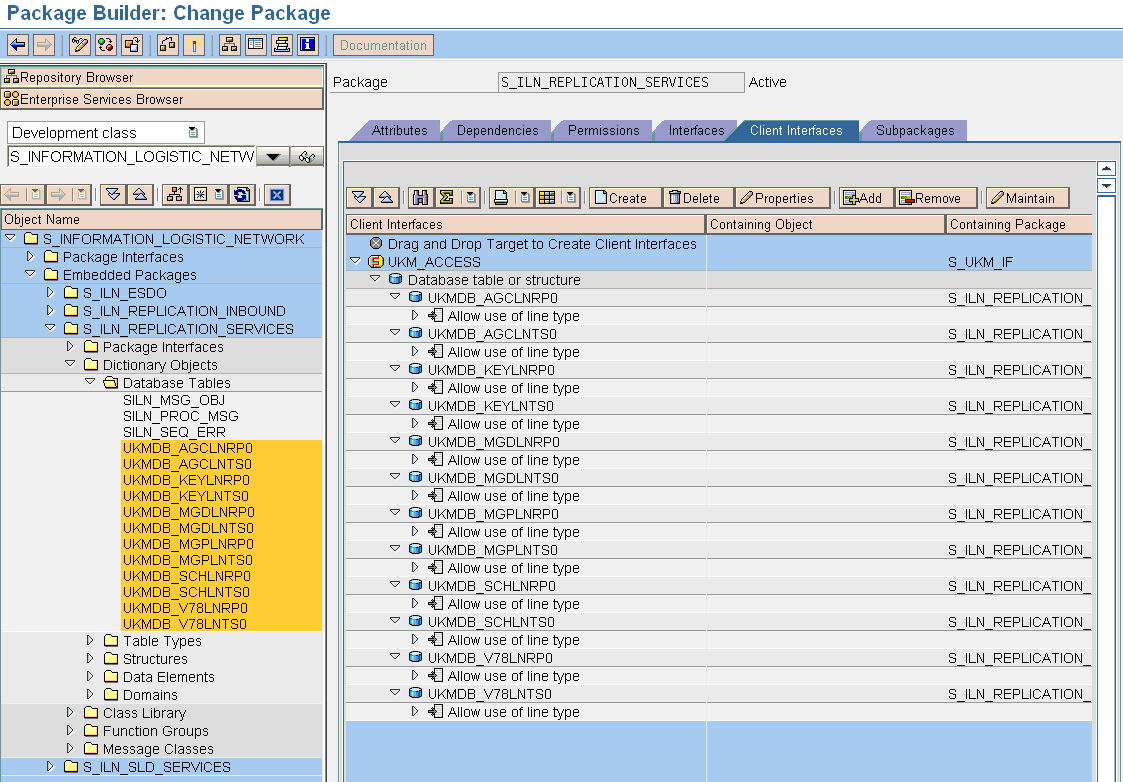
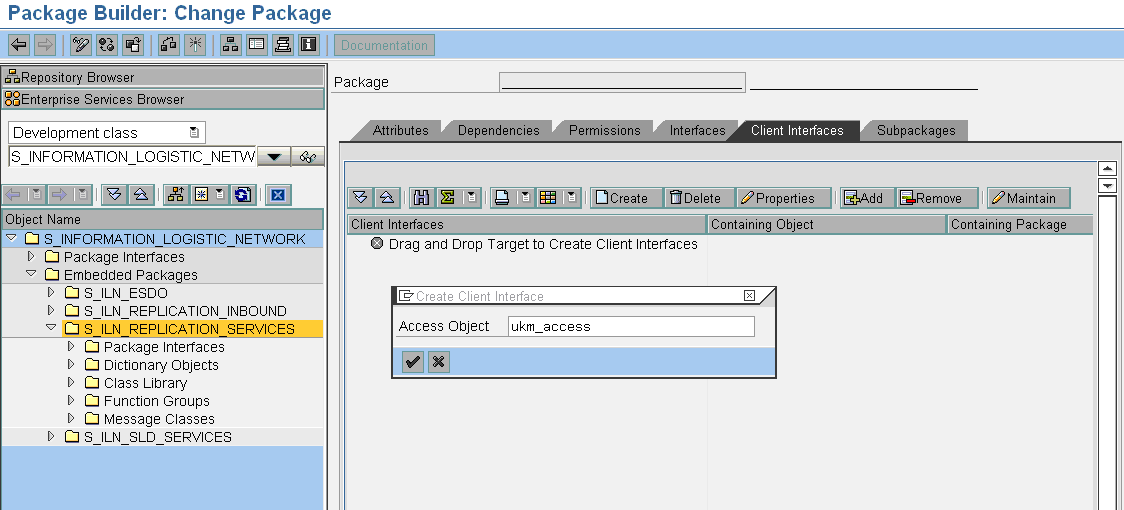
- Store the database tables in a package that explicitly permits read and write access by UKMS package S_UKM. In the package containing the generated database tables, create a client interface for access object UKM_ACCESS and add the database tables to the client interface.
Creation of a Client Interface for Access Object UKM_ACCESS
Maintenance of the Interface Properties

Binding of the Generated Tables to the Client Interface