Activating and Testing an SAP Gateway Service
Activate and test the SAP Gateway service that you want to run.
Prerequisites
See the Gateway topic Activate the Service.
Context
This example activates the sap/opu/odata/iwfnd/RMTSAMPLEFLIGHT service, which is provided with all Gateway systems.
Procedure
- Under Maintain Services, click the Execute icon
 .
- Click to the right of Service Path, and navigate to sap/opu/odata/iwfnd/.

- Double-click RMTSAMPLEFLIGHT, and select the Logon Data tab.

- In the browser that opens, select a certificate for authentication.
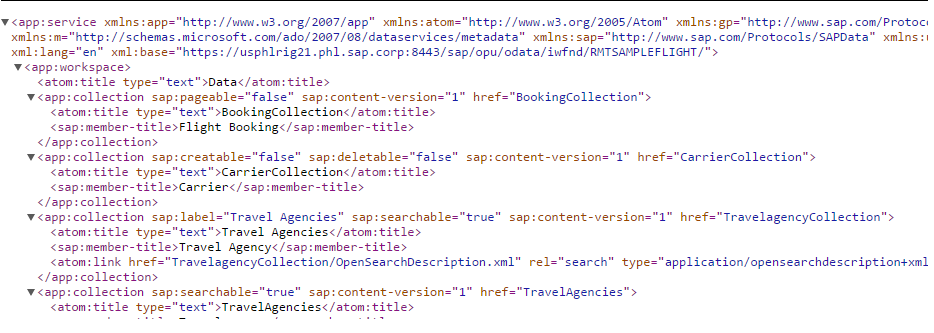
If you select the ssodemo certificate, you should see the following: