Change control cycles
To change a single control cycle, you first load the data of the control cycle to be changed into the profile subscreen.

Click on the control cycle number to load the control cycle data into the profile.

After you made your changes and entered new values you presses the button transfer profile data.
If you want to change multiple control cycles, the process is as follows:
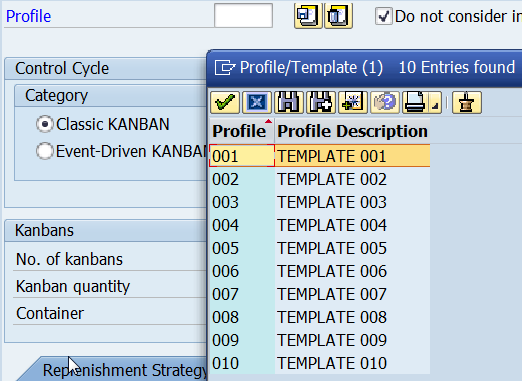
First you fill in the parameter fields in the profile subscreen with values to be transferred to the control cycles that you want to change. You can enter the values manually or load them by either pressing on one of the control cycles or loading a template from the database. To load a template you enter in the parameter field profile a profile number and presses the Enter key. The user can call an input help by pressing F4 and display the profile numbers stored in the database.
Once you filled the profile subscreen with the desired values, you select the control cycles you want to change and press the transfer profile button. You can select as many control cycles as you want and change them all at once.