Result Tab
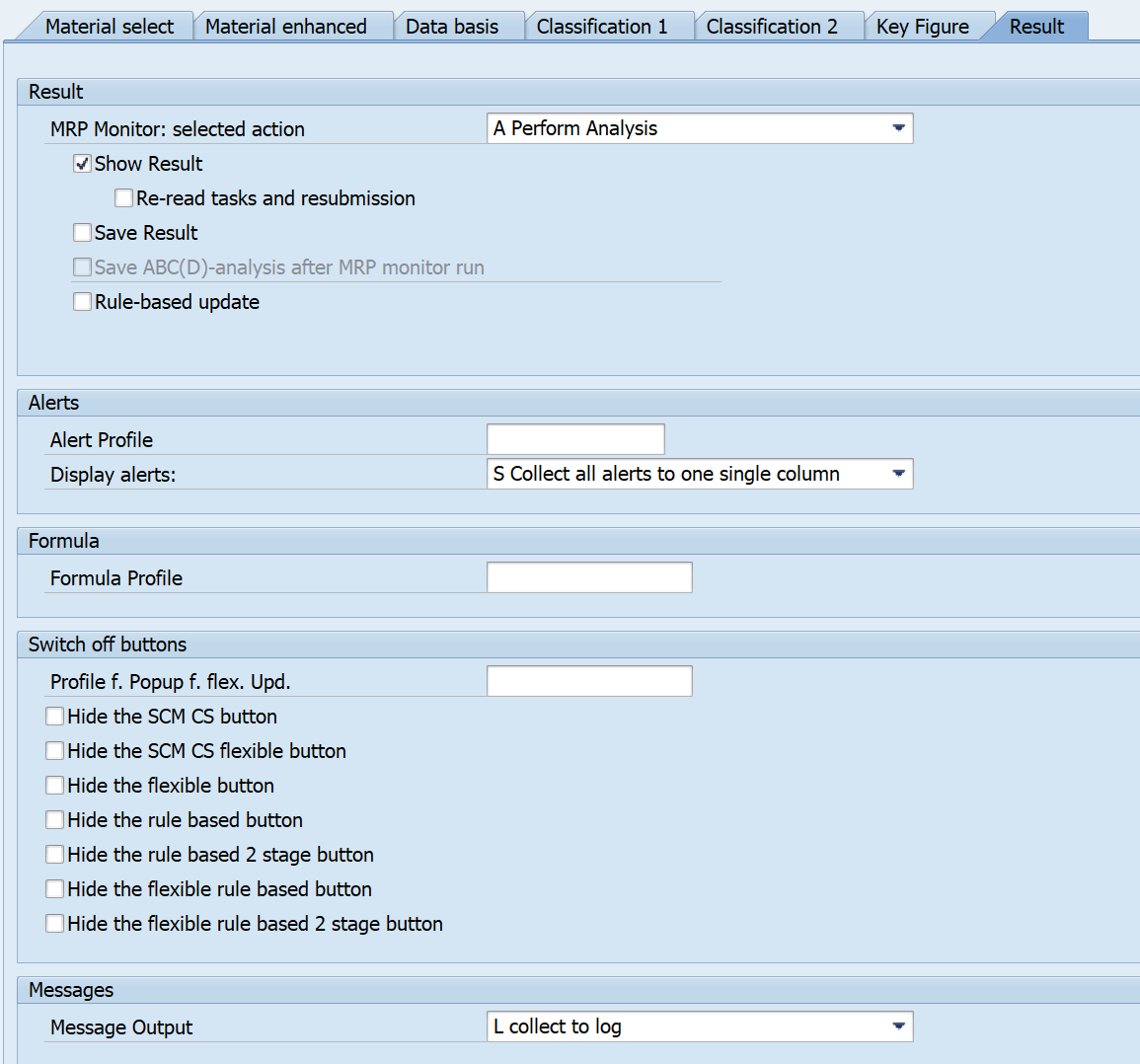
You can display the classification results on the screen and save them in a corresponding database table of the MRP monitor. The data of an analysis is identified using a key that is determined internally. To later read this analysis data from the table, you can define a text of your choice. With this text, you can also display the result on the Result tab. You can save results as a reference analysis only if you are using the SCM Consulting Solution inventory controlling cockpit.
To improve performance, you can use package processing. Here you can freely select a package size. Since the optimum package size depends on your installation, you need to perform corresponding test runs in your system to determine the suitable package size. We recommend that you select the Package Processing indicator particularly when analyzing a large number of materials if the number of materials to be analyzed exceeds the maximum selection size according to the system settings. You can also execute package processing in parallel by selecting the Parallel Processing indicator and specifying the maximum number of parallel sessions.
If you specify on the selection screen that you want to save the results in the database, you can later access these results from the database at any time.
In background processing, you must save the results in the database, otherwise you can no longer access them.
In addition, you can specify that classifications no longer needed are to be deleted from the database.
As with the standard SAP ERP system, you have the option to save frequently used selections as variants.
To simplify the periodic use of the MRP monitor, you can use a selection variable to set the period for saving as a variant.