Output Control
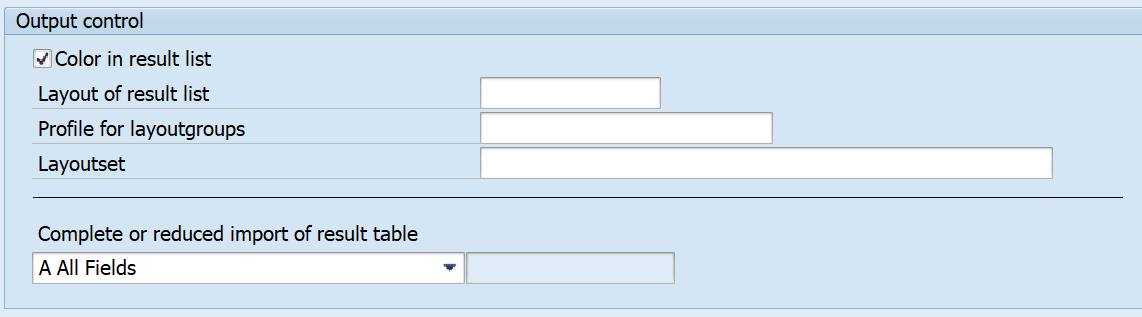
In the Output Control area, you can adjust the layout of the results list.
You can display each ABC-XYZ classification combination in the result list in a different color. This allows you to easily recognize which materials are classified in the same way. If you want to activate this function, select the Color in result listcheckbox.

If you do not select the checkbox, the result list is displayed with only one color.

In this section, you can make specifications for the layout. The maintenance and the inclusion of layout groups is described in the cross-monitor documentation.
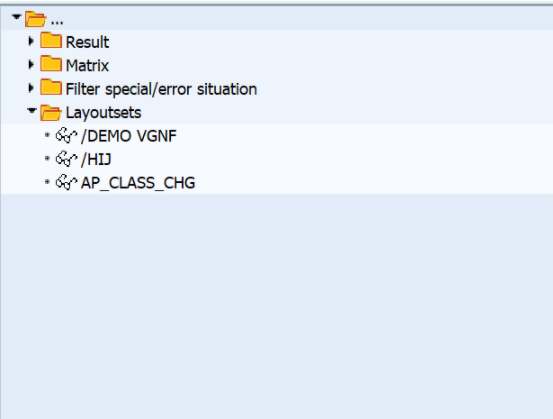
Here you can also choose a layout set. The layouts of the selected layout set are included in the folder structure of the results list. The maintenance and the inclusion of Layout Sets is described in the cross-monitor documentation.
In the lower part of the section, you can read a reduced, customized results table in the event of capacity issues or problems with the field size of the result list. The system only reads the fields you have defined. You can enter these fields manually in various variants in the table /SAPLOM/CUSTVARI. In addition to the customer-specific fields, the objects that are relevant for the program run are also included in the selection.
You can create and edit variants in the transaction /SAPLOM/MRP_V.

If you have entered the name of the variant that you want to create or edit, you can choose the required fields. You can choose to enter an alternative data element. After you save, your changes are saved in table /SAPLOM/CUSTVARI. The user-specific variant can then be selected in the MRP monitor.

If you have selected a layout set, the stored layouts are available for selection in the folder structure of the results list.