Usage & Type
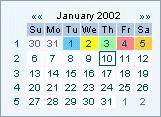
Figure 1: Example of the date navigator displaying one month
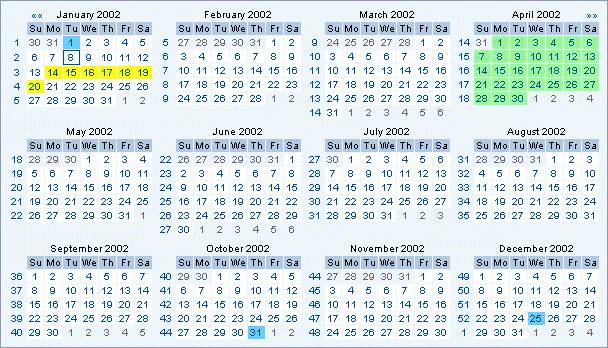
Figure 2: Example of the date navigator displaying 12 months
Usage
The date navigator is a control for advanced handling of all actions, which require a date input and to visualize a date. Thus, the main purpose of the date navigator control is to aid users in inputting a date. It also ensures that the date is entered in an appropriate format. In such cases, it is highly recommended that users also be allowed the option to manually input the date as well.
Note: If the date must be entered in a particular format, an example should be given next to the entry field.
The date navigator can also be used to visualize the Western calendar.
Design-relevant Attributes
The date navigator allows to set the number of months per row (monthsPerRow) and per column (monthsPerColumn).
Related Controls
There are no related controls.