Portal Registry
The portal registry stores configuration information for the Portal Runtime. This information is for use by the Portal Runtime, and you should not modify the registry.
However, some applications may require you to create a registry entry. For example, if you create a new XML transformer, you must register the transformer by adding a registry entry at /runtime/transformers . A registry entry can be created by adding an <entry> element in your application's deployment descriptor.
To access the registry, log on to the portal as an administrator.
For more information on creating registry entries, see Registry .
Viewing the Registry
To view the registry, navigate to http://<host>:<port>/irj/servlet/prt/portal/prtroot/com.sap.portal.runtime.system.console.PortalRegistryBrowser .
The following is displayed:
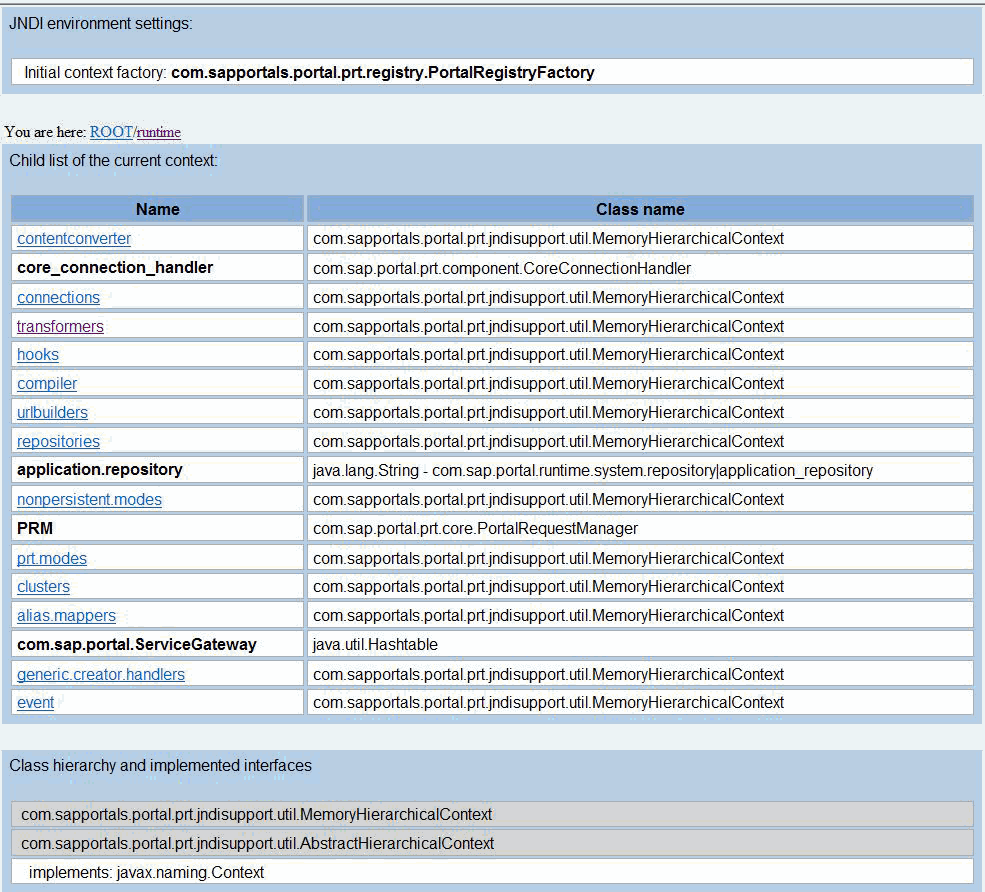
The Name column displays either a subcontext, in which it is displayed as a link, or the name of a registry entry. For a registry entry, the Class name column displays the value of entry.
For example, to view registered transformers, click the runtime subcontext, and then click the transformers subcontext. The registry entries in the Name column represent the names of transformers, and the value for each in the Class name column represents the service that implements the transformer.
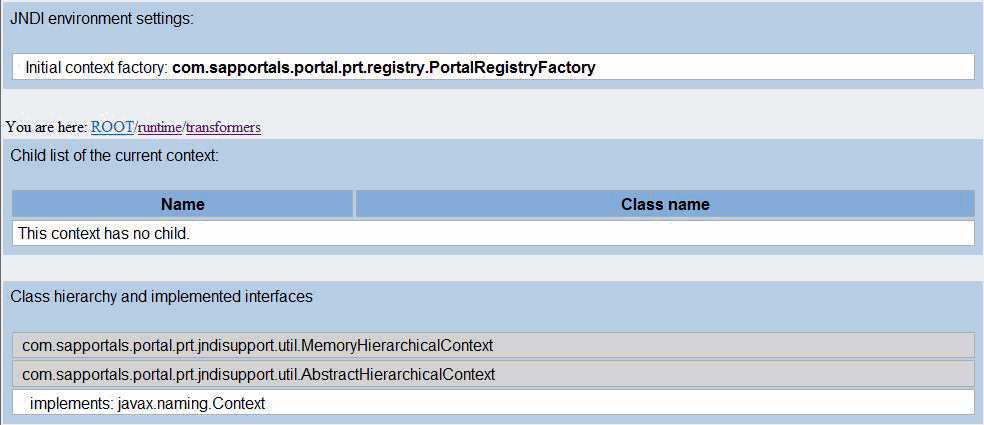
The links that are displayed after You are here indicate the subcontext that you are currently viewing. Use these links to navigate back up the JNDI tree.